Grocery price tracker: price history for every product
Use ReceiptStorm as a grocery price tracker: each product's lowest and highest price, last purchase, price history chart and store comparison, from your receipts.
In this guide
Every product on every receipt you save gets its own price history in ReceiptStorm, so the app works as a grocery price tracker with nothing extra to type. Search for an item and you see what you paid recently, your lowest and highest price, where you buy it most and which store has been cheapest for you. This guide shows how to open it, what each number means and how to compare prices between stores.
How to see the price history of a product
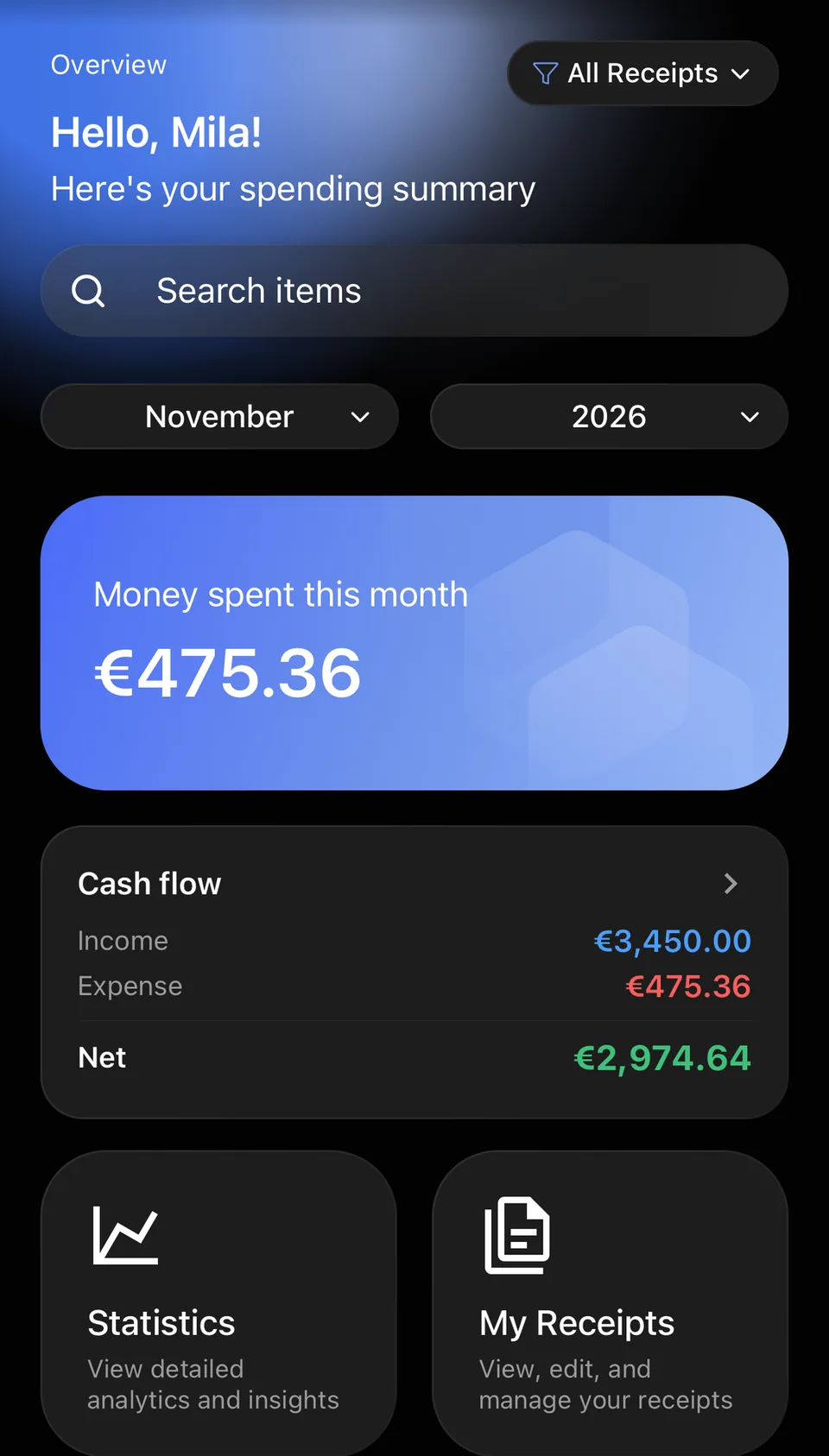
Search from Home
Tap Search items at the top of Home and type part of the product's name. Matching products appear as you type.
Open the product
Tap a result. The product's statistics open under the Overview header, with the product name at the top.
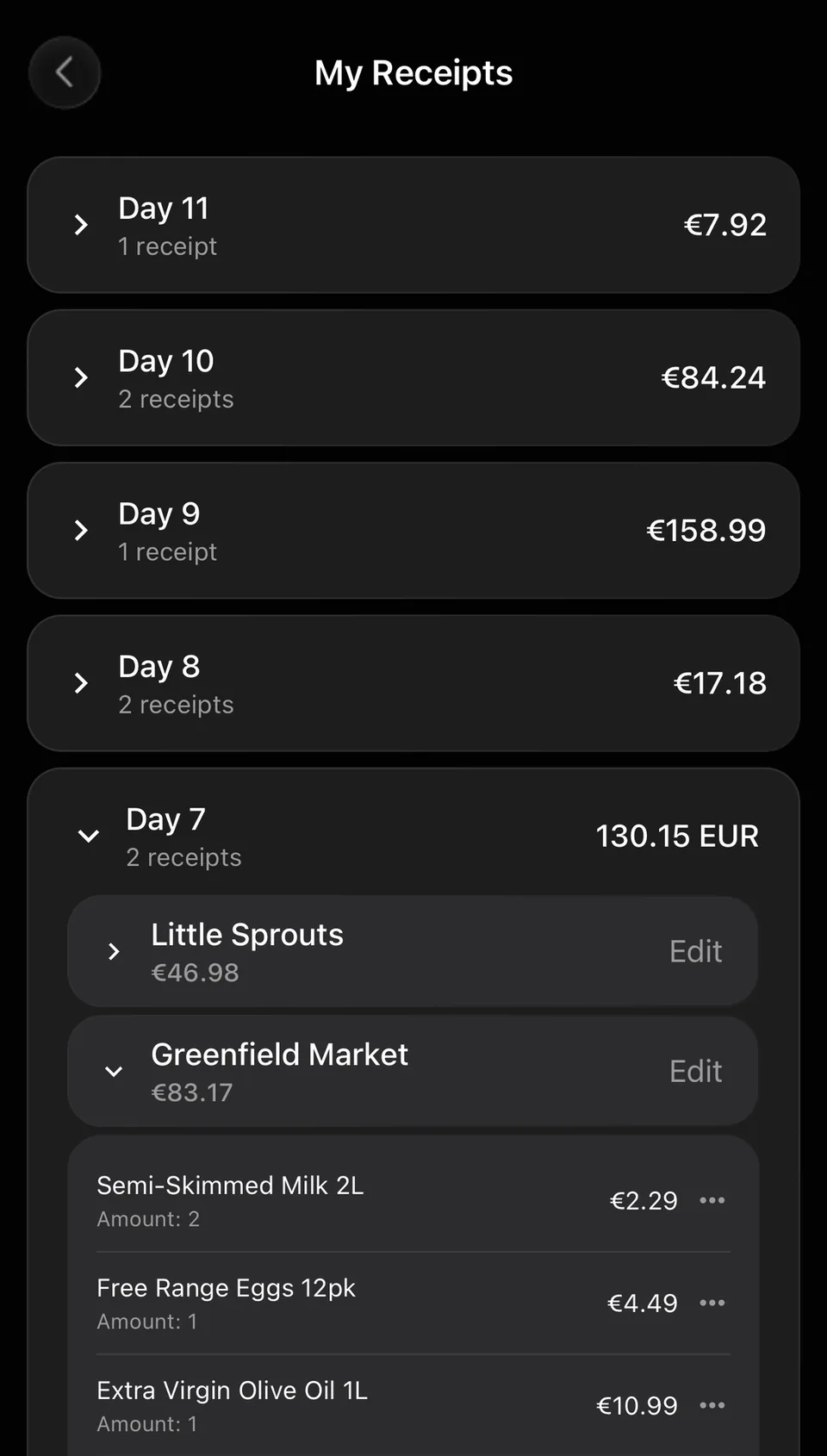
Or start from a receipt
In My Receipts, open a day, open a receipt and tap any item on it.
Scroll down
Below the cards you'll find the Price History chart and Store Comparison.
What each number on the screen means
The screen covers purchases only, so bill payments never show up here. It also follows the filter at the top of Home: with Personal selected, for example, only your personal receipts count. The cards at the top read as follows:
- Total Purchases: how many times you bought the product.
- Total Quantity: how many units you bought in total.
- Total Spent: unit price × quantity for every purchase, added up in your totals currency.
- Minimum Price and Maximum Price: the lowest and highest unit price you paid.
- Last Purchase: the date of your most recent purchase.
- Favorite Store: the store where you buy the product most often, which isn't always the cheapest one.
Good to know
All prices are unit prices, as printed on the receipt: a line reading 2 × €2.29 counts as €2.29. For fuel bought by the liter, that's the price per liter. Purchases in another currency are converted to your totals currency at the rate of the receipt's date; one whose rate isn't available yet counts as a purchase but stays out of the prices until the rate arrives.
How to read the price history chart
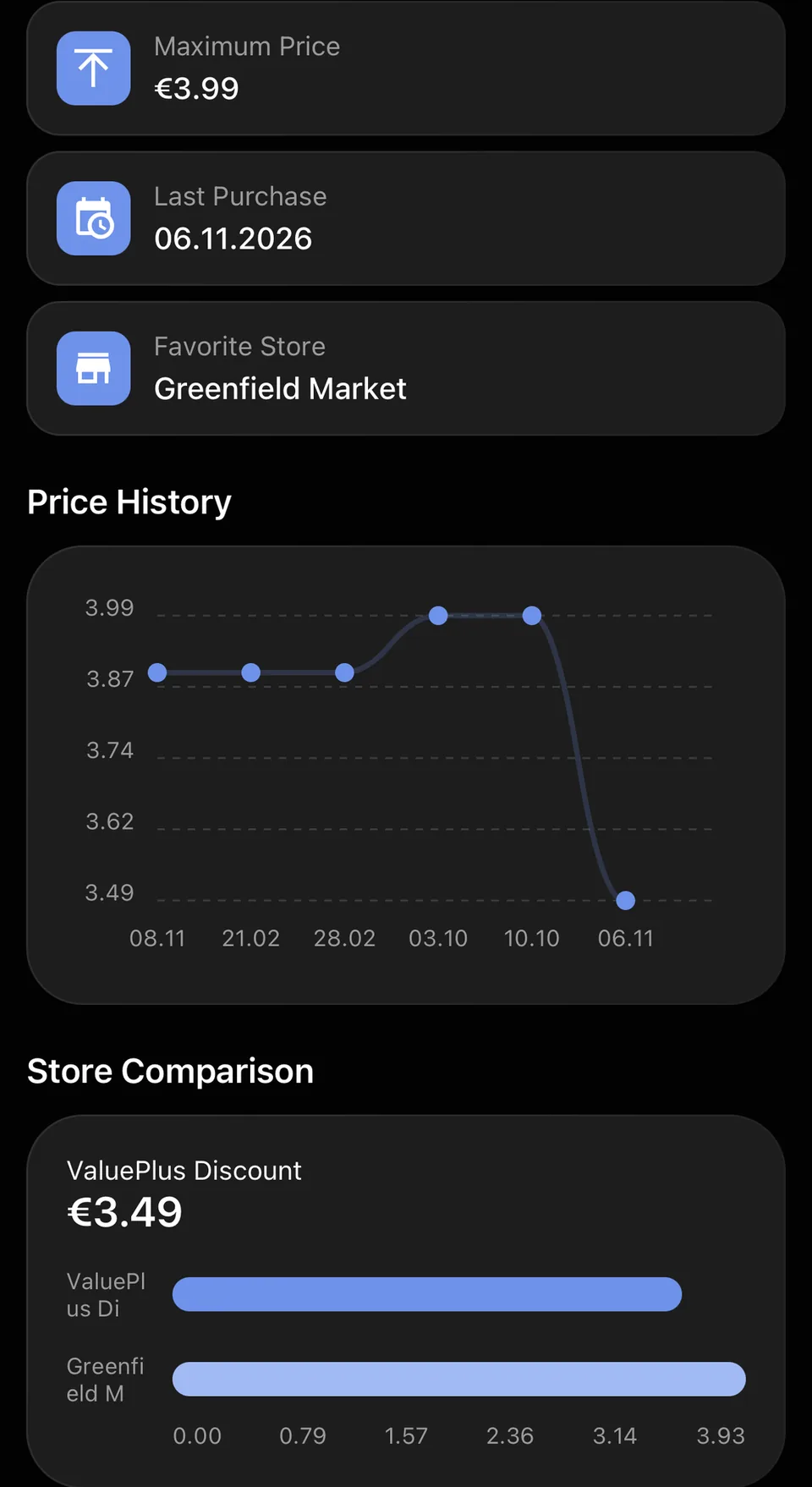
Price History draws your six most recent purchases of the product, from the oldest of the six on the left to the latest on the right. Tap a point to see the store and the price you paid. If the price never changed, the card shows the price and the dates instead of a flat line. The chart is about recent movement; the price cards and Store Comparison draw on more of your history.
- Maximum Price
- €3.99
- Last Purchase
- 06.11.2026 (November 6)
- Favorite Store
- Greenfield Market
- Latest point on the chart
- €3.49
- Cheapest in Store Comparison
- ValuePlus Discount, €3.49
The chart climbs to €3.99 in October and drops to €3.49 on November 6. Store Comparison suggests why: on average, this product has cost less at ValuePlus Discount than at Greenfield Market, the store where it's bought most often. Compared with the €3.99 paid in October, €3.49 is €0.50 less per unit, or about 12.5%.
How to compare prices between stores
Store Comparison lists every store where you bought the product, with the average unit price you paid there, cheapest first. The top of the card names the cheapest store and its average, and the bars below let you compare the others at a glance. Tap a bar to show that store's name and average at the top.
Remember what the comparison is: your own purchases, averaged per store. It doesn't show today's shelf price, stores where you have never bought the product, or prices from other people. If you share a household, your family's receipts count too.
Tip
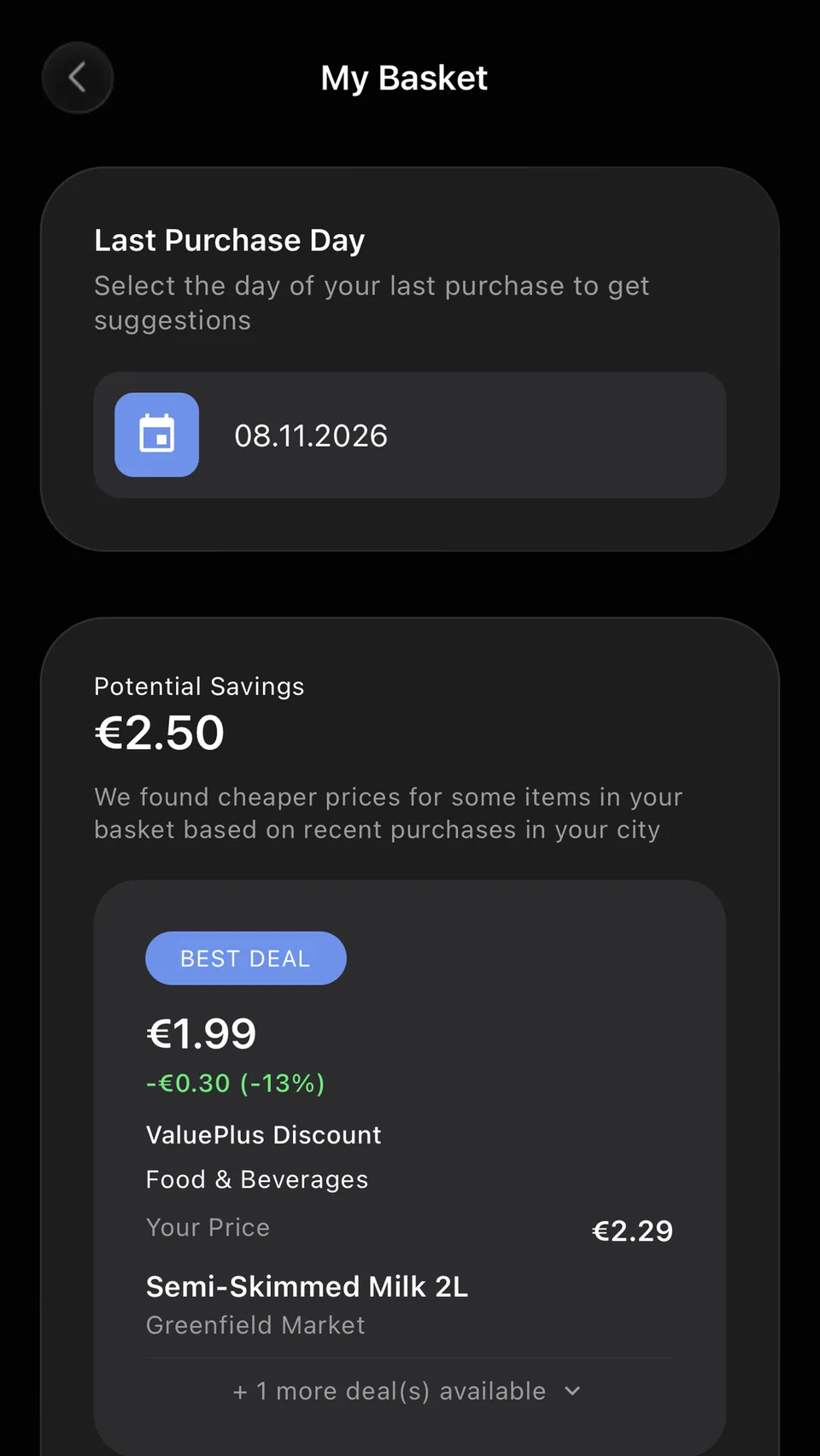
Want the same check for a whole shopping list? My Basket compares the items you plan to buy with your recent purchases in your city and points out where you paid less. It's part of Pro and Ultra, and the plans are compared on the pricing page.
How to tell whether a product really got more expensive
A higher price on your last receipt doesn't always mean the product went up: you may simply have bought it somewhere else. Five quick checks tell the two apart.
Open the product
Search for it on Home, or tap it on a receipt in My Receipts.
Compare the extremes
Look at Minimum Price and Maximum Price. A wide gap means the price has moved, or that you buy the product at stores with different prices.
Check the latest points
Tap the last points on Price History to see which store each price came from.
Separate the store from the price
If the higher prices all come from one store, Store Comparison shows it: the product may simply cost more there.
Zoom out to your whole basket
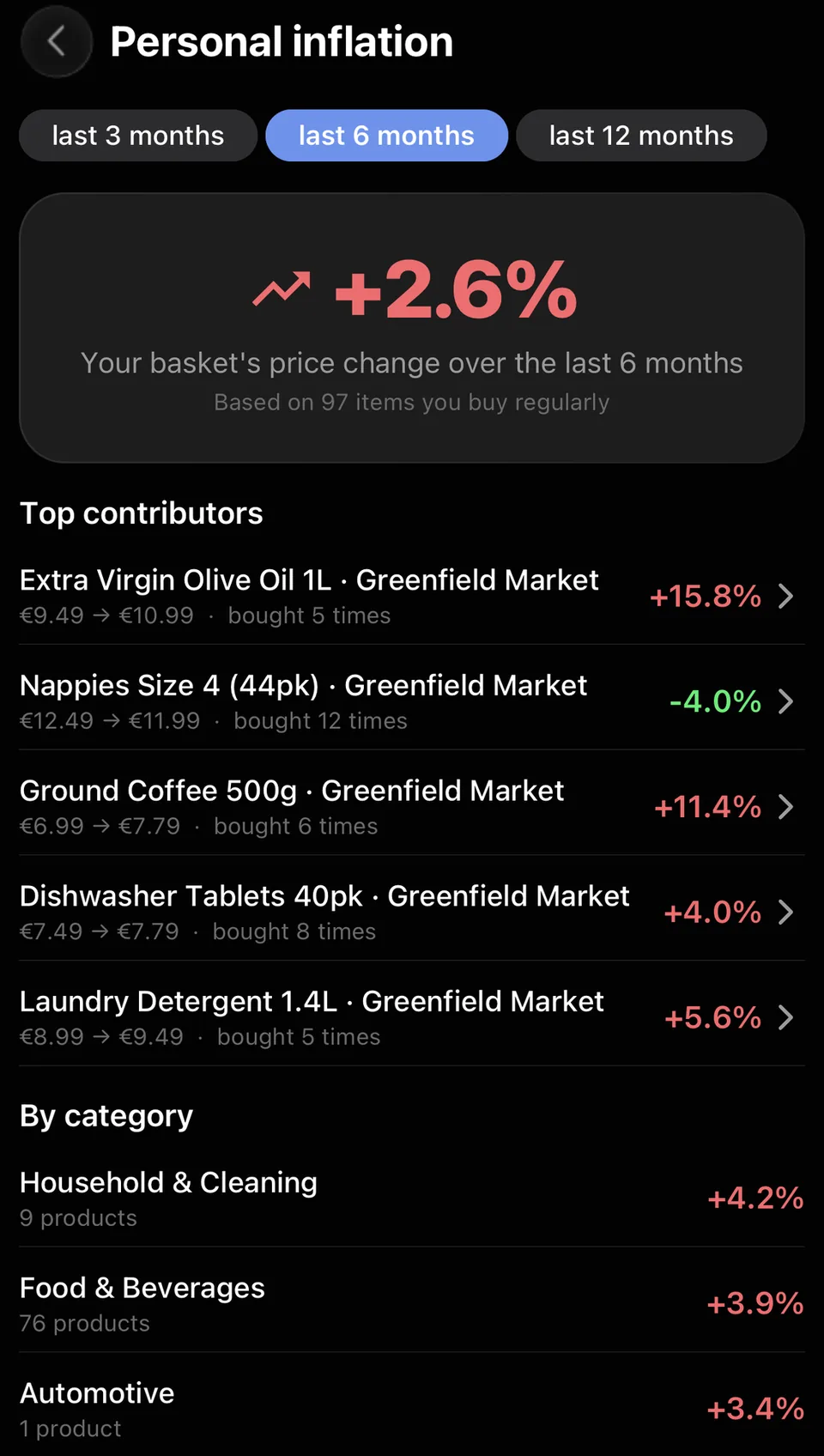
Open your personal inflation rate, which compares each product only at the same store and so filters out store switches.
Practical ways to use your price history
- Before stocking up on a promotion, compare it with your Minimum Price to see whether it's really a good deal.
- Choose where to buy staples: when Store Comparison shows a clear gap, buy that product where it costs you less.
- Notice price increases on the things you buy every week, before they add up over a month.
- Follow fuel prices: with the price per liter from each receipt, the chart shows how your fuel price moved.
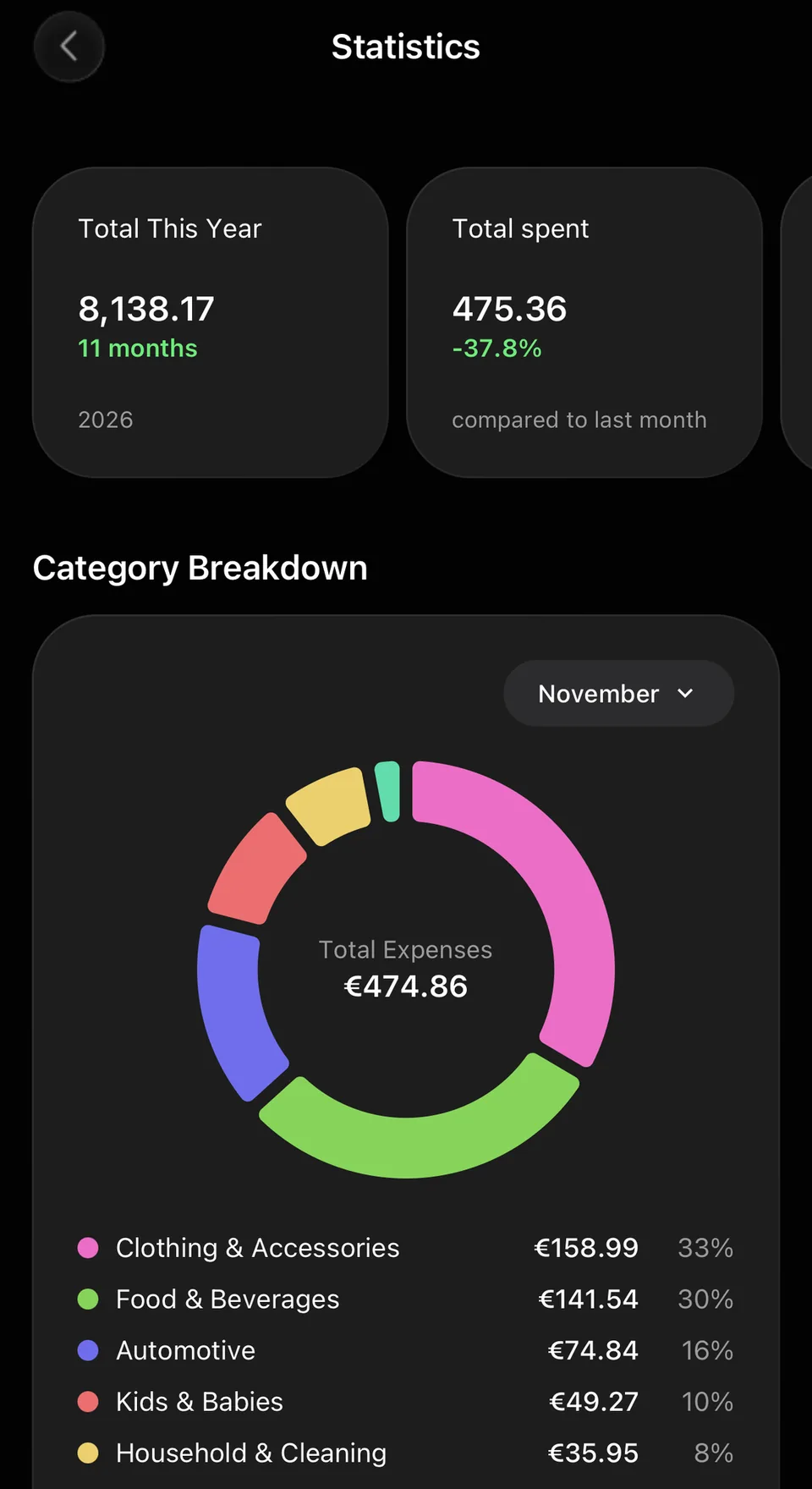
- See what a product costs you overall with Total Spent, and set it against your spending by category.
Keep your price history accurate
The history is only as good as the receipts behind it. Add receipts regularly (getting started explains photo, QR code and manual entry) and check quantities and prices when you review a scan, because a quantity read as a price is a common slip. Item names are saved in your Language for item names, and the app groups different spellings of the same product under one name when it recognizes them. A change of item-name language applies only to new receipts, so keeping it the same avoids splitting a product's history in two.
See your own spending, item by item
ReceiptStorm is free to download for iPhone and Android.



Frequently asked questions
Can I track prices at stores where I don't shop?
No. Price history and Store Comparison use only your own receipts, plus your household's if you share one. There are no prices from other users, store websites or flyers.
Will ReceiptStorm alert me when a price drops?
No, the app has no price-drop alerts. Open a product's statistics whenever you want to compare, or, on Pro or Ultra, check your shopping list in My Basket.
Why does the price chart show only six purchases?
The chart is built for recent movement, so it shows your six most recent purchases. The price cards and Store Comparison use more of your history.
Is the price history feature free?
Yes, item statistics and price history work on every plan, including Free. Compare the plans to see what Pro and Ultra add.
Why does the same product show up under two names?
Item names are saved in your item-name language, and changing it applies only to new receipts, so older purchases keep their old names. Similar spellings are grouped automatically when the app recognizes them as the same product.