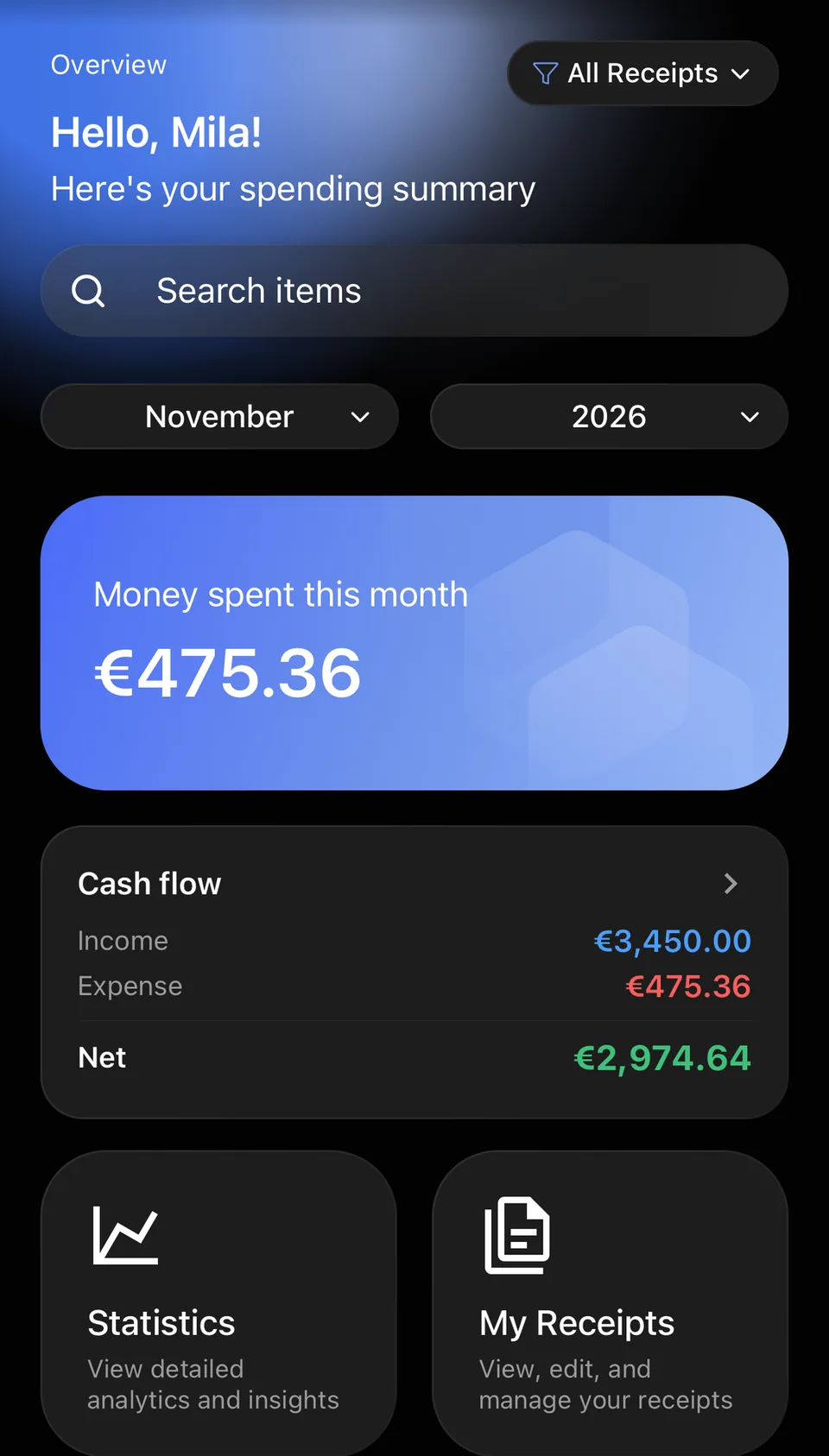
How to start tracking your spending with receipts
From sign-up to your first saved receipt: the two setup choices, the four ways to add a receipt, the free Ultra trial and where your spending appears.
Blog
Every ReceiptStorm feature explained step by step, with real screens and worked examples.
From sign-up to your first saved receipt: the two setup choices, the four ways to add a receipt, the free Ultra trial and where your spending appears.
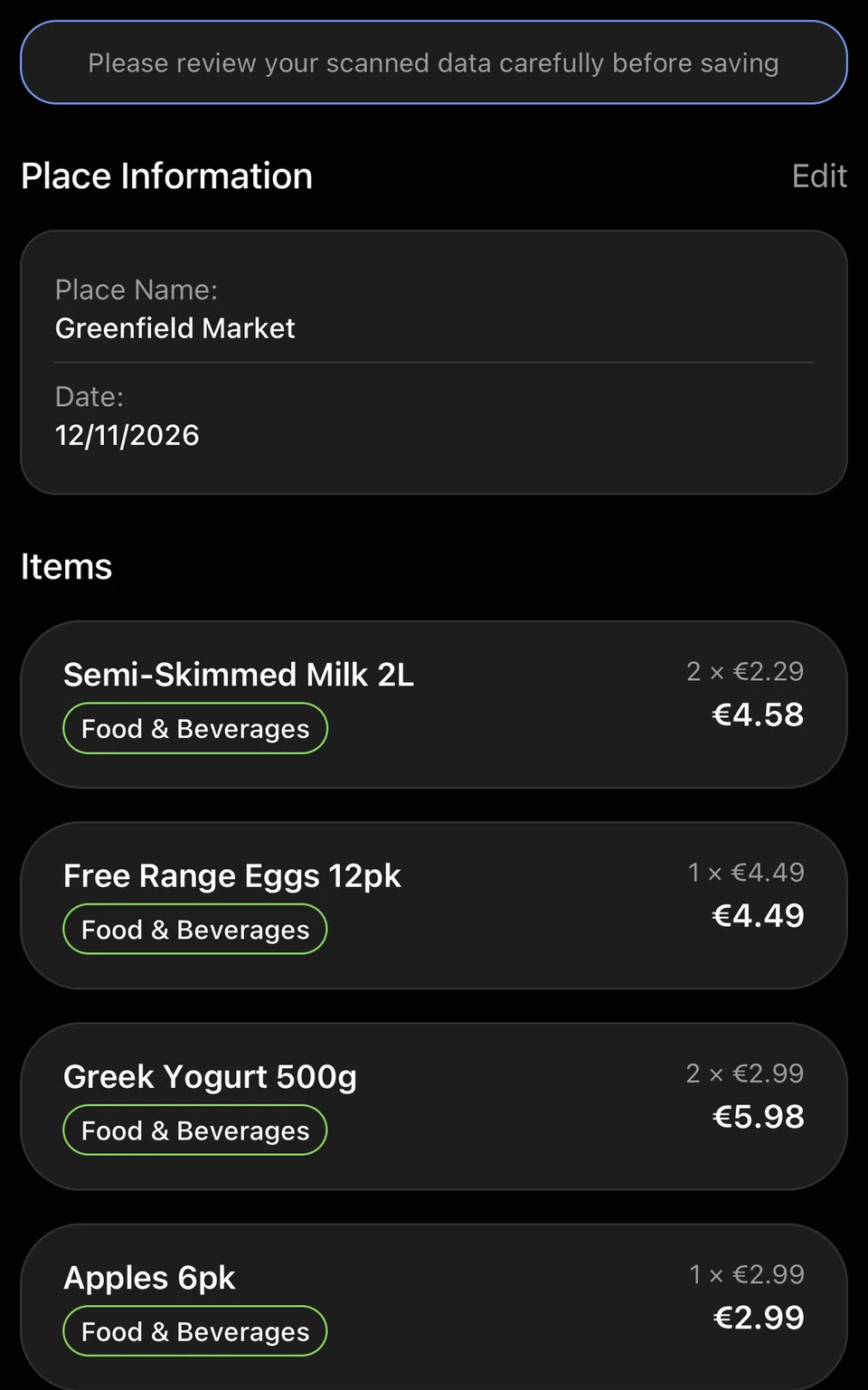
What happens between the photo and the saved receipt, what to check before you tap Save, and simple habits that make every scan more accurate.
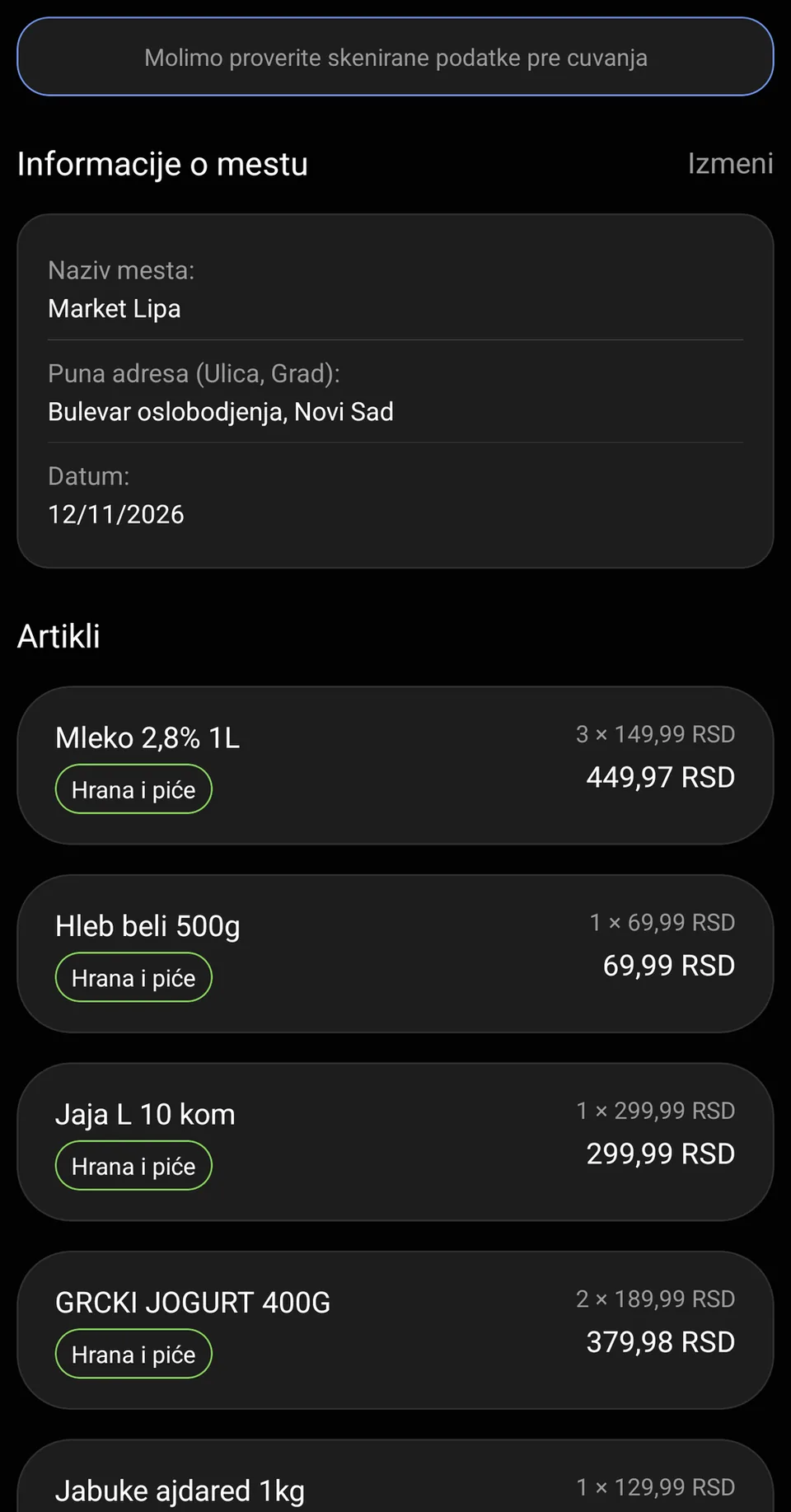
How the QR code on Serbian fiscal receipts works, what to do when a receipt isn't registered yet, and how to view or print the official receipt text.
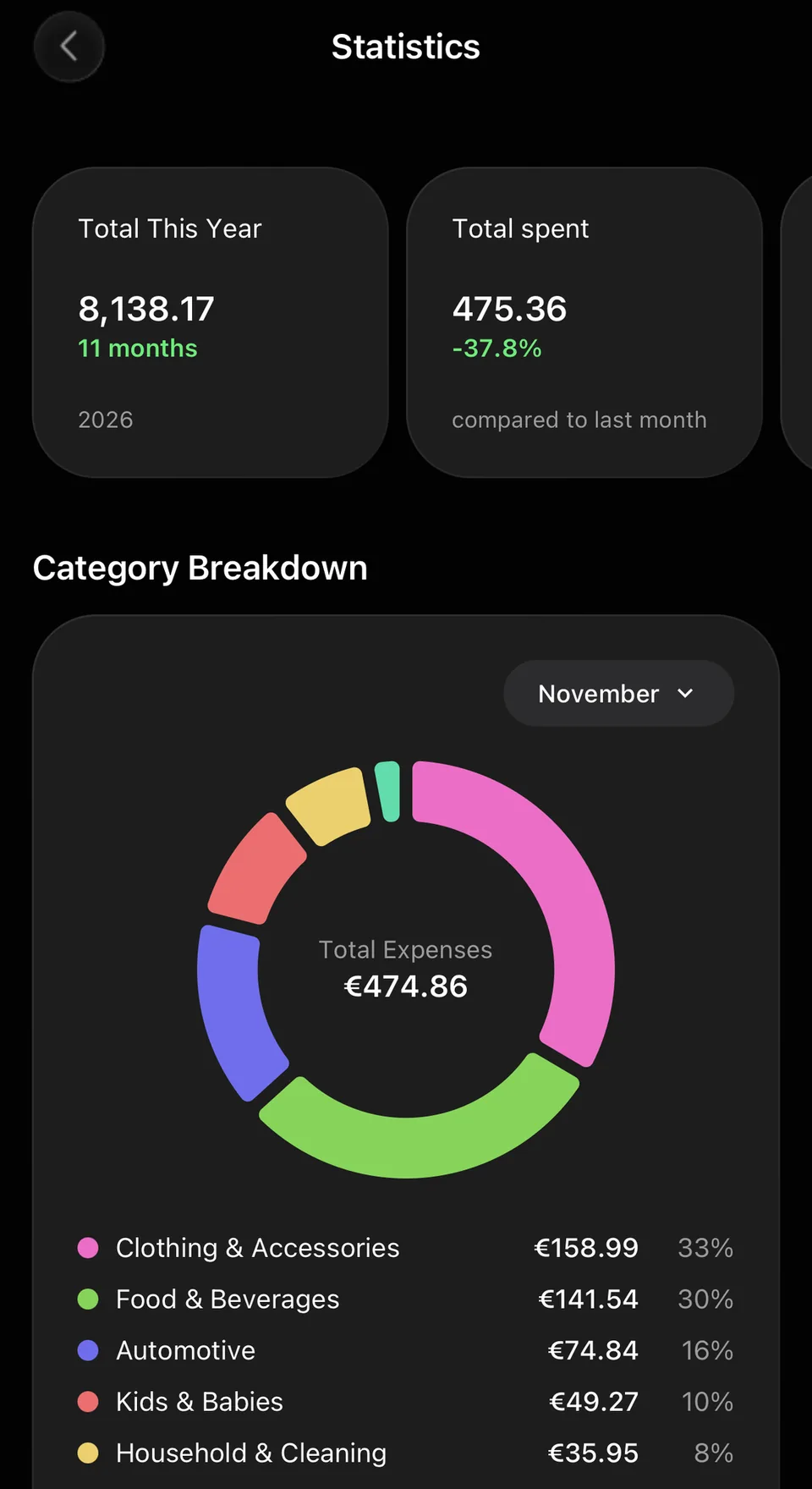
A tour of the Statistics tab and the Home summary: the category donut, monthly trends, top stores, insights and filters, with one example month in real numbers.
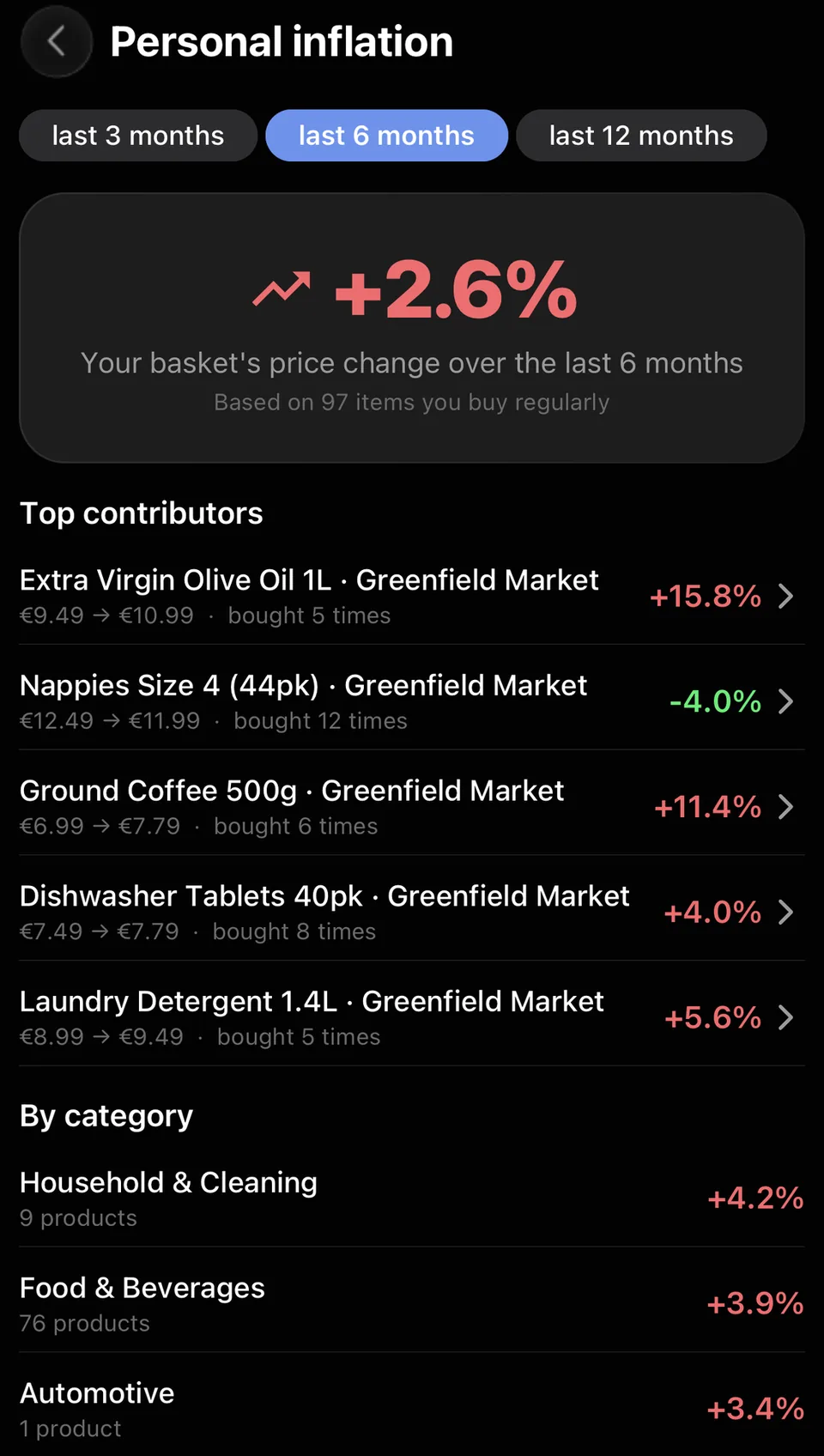
How ReceiptStorm turns your repeat purchases into your own inflation rate, how the number is calculated, and how to read top contributors, categories and stores.
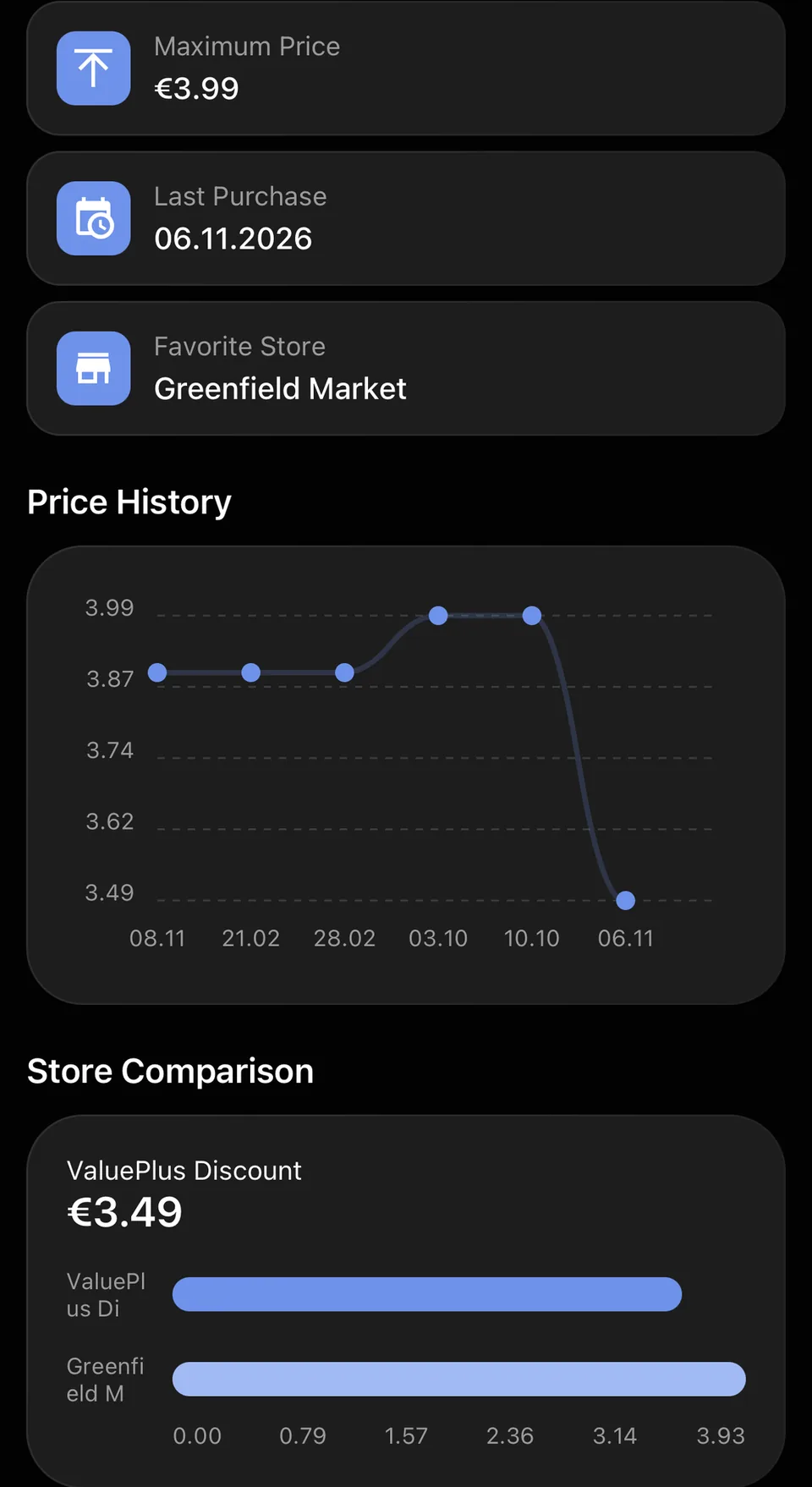
How to open any product's price history in ReceiptStorm, what each number means, and how to compare prices between stores using nothing but your own receipts.
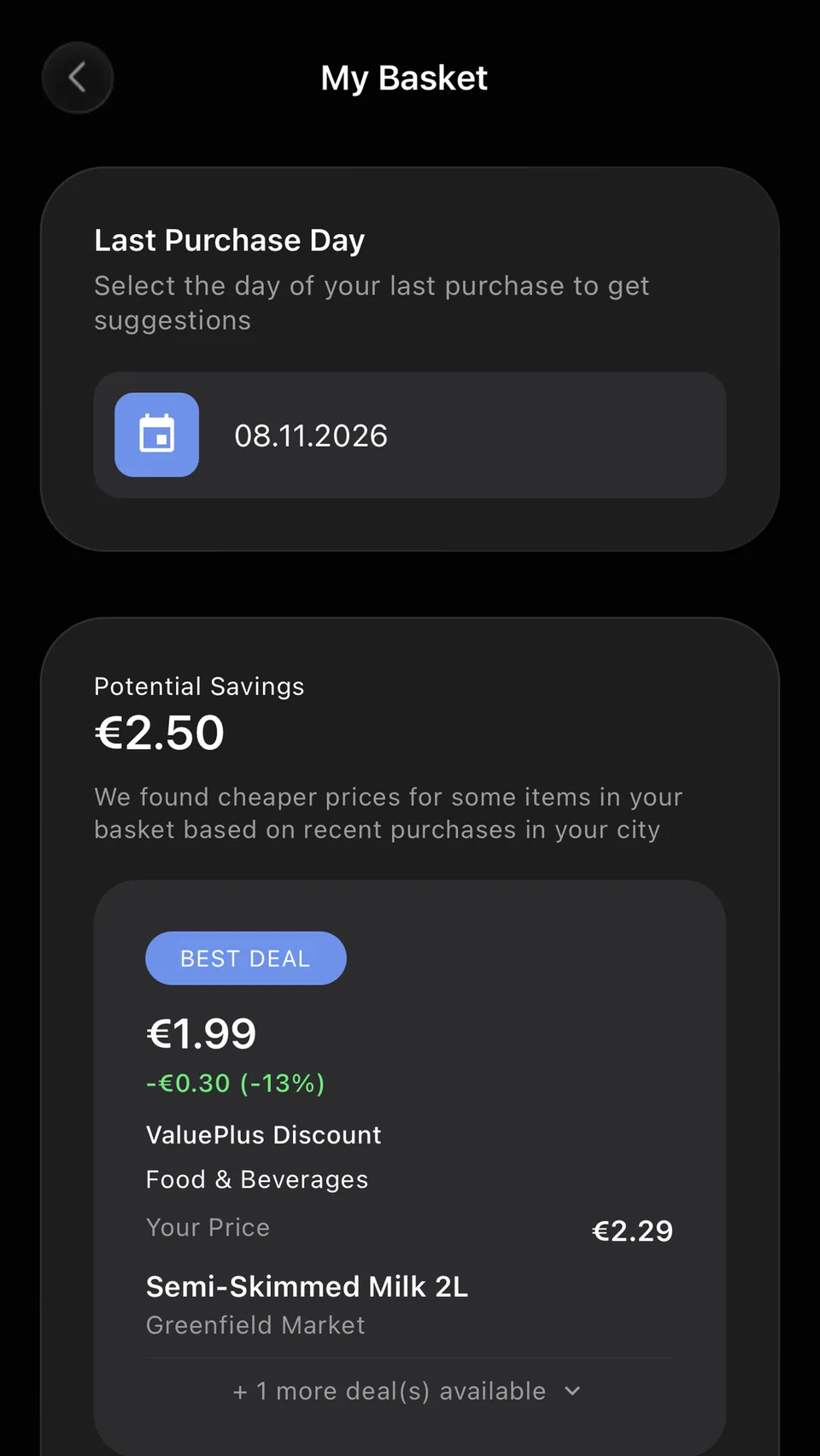
How My Basket suggests what to buy, where its lower prices come from, how to read Potential Savings, and what it does and doesn't compare.
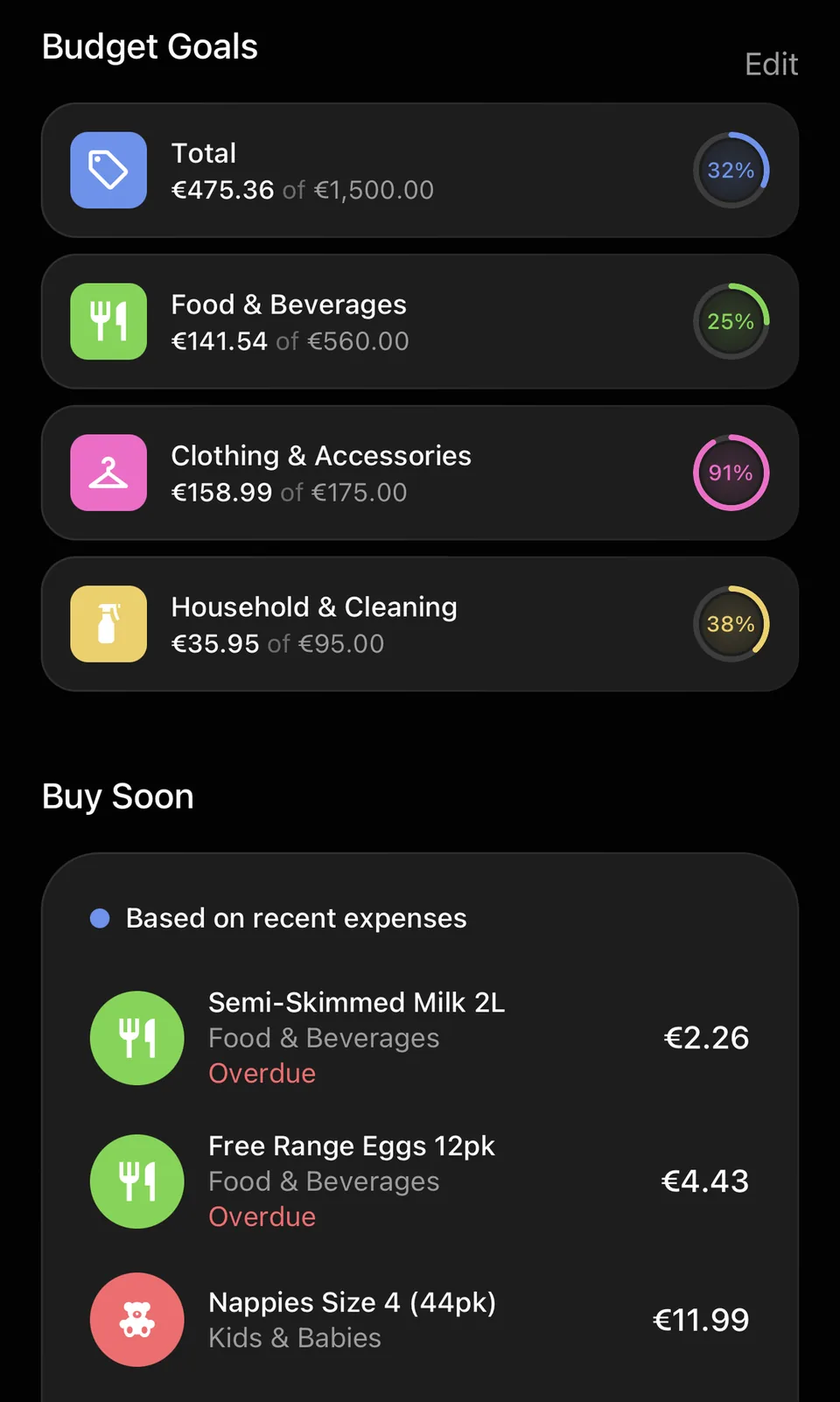
Budget Goals turn your receipts into monthly limits with progress rings, and Buy Soon spots the things you buy regularly when they're due again. Here's how to set up both.
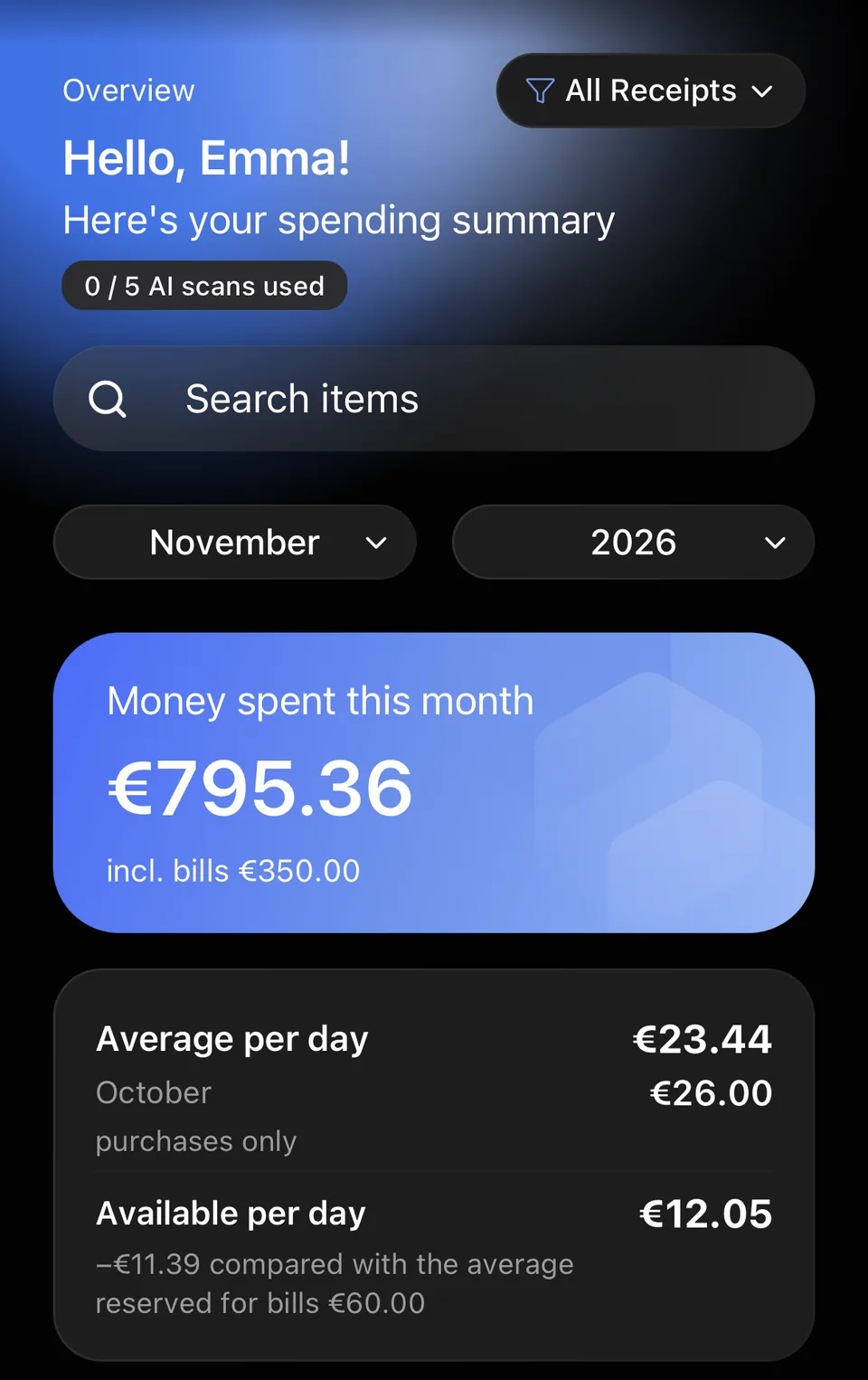
The Average per day card turns your receipts into one number: what you spend per day. Add a monthly budget and it also shows how much you can spend each day until the month ends, after your unpaid bills.
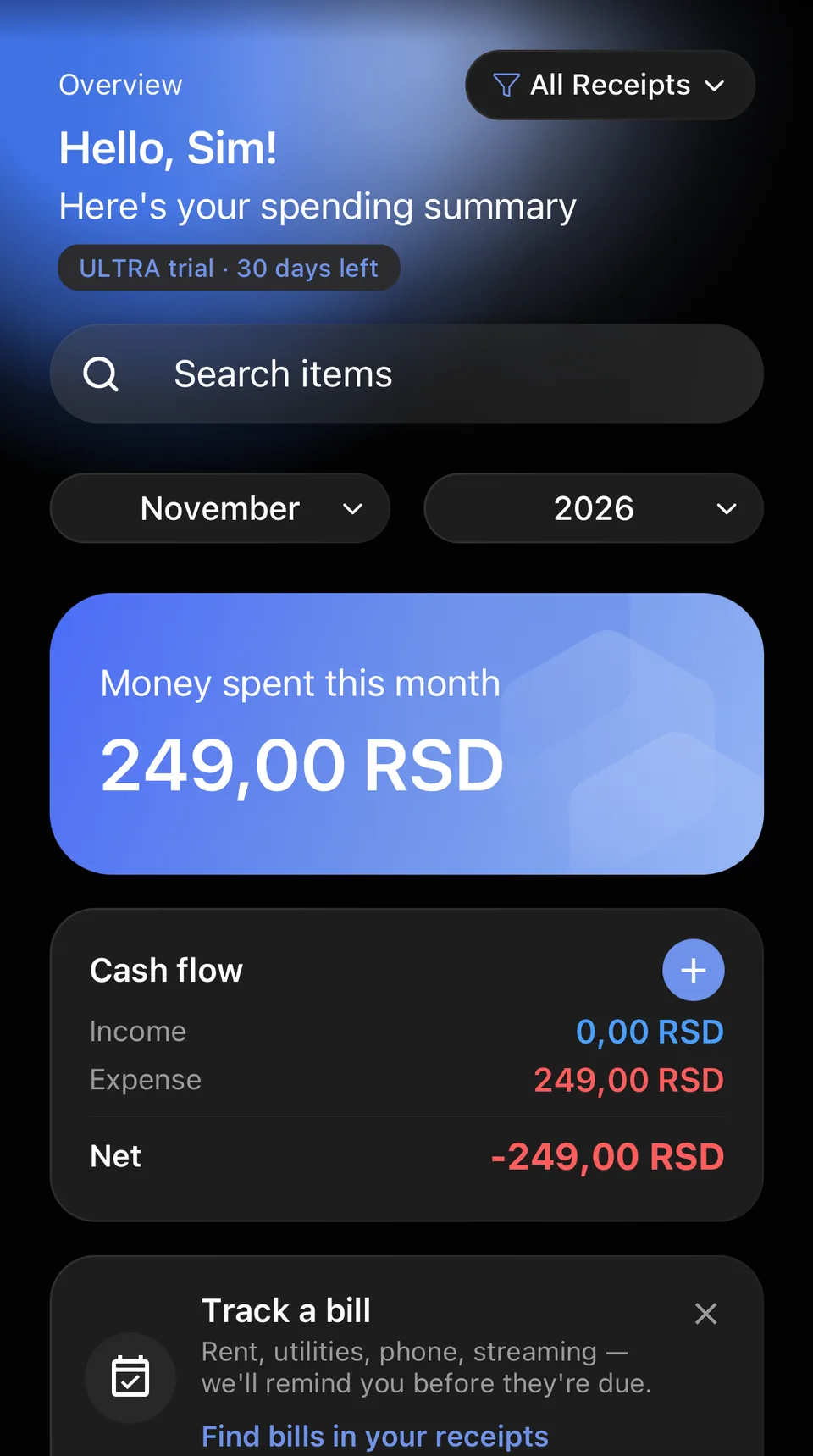
Add each recurring bill once, choose when you want a reminder, and tick it off when it's paid. Bills and reminders are free on every plan.
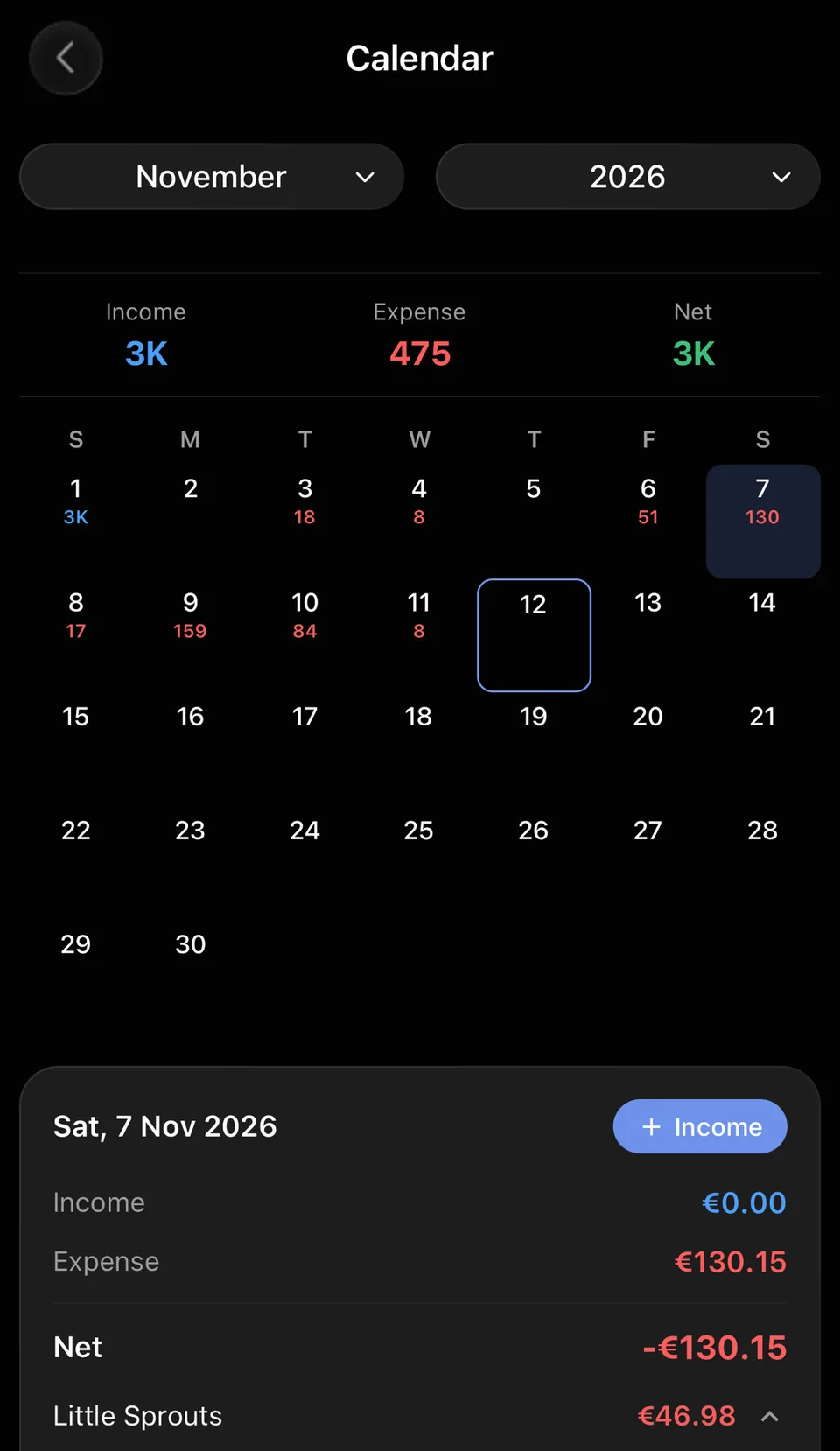
Your receipts already record what you spend. Add your income and the Cash flow card shows what's left each month, while the Calendar breaks it down day by day.
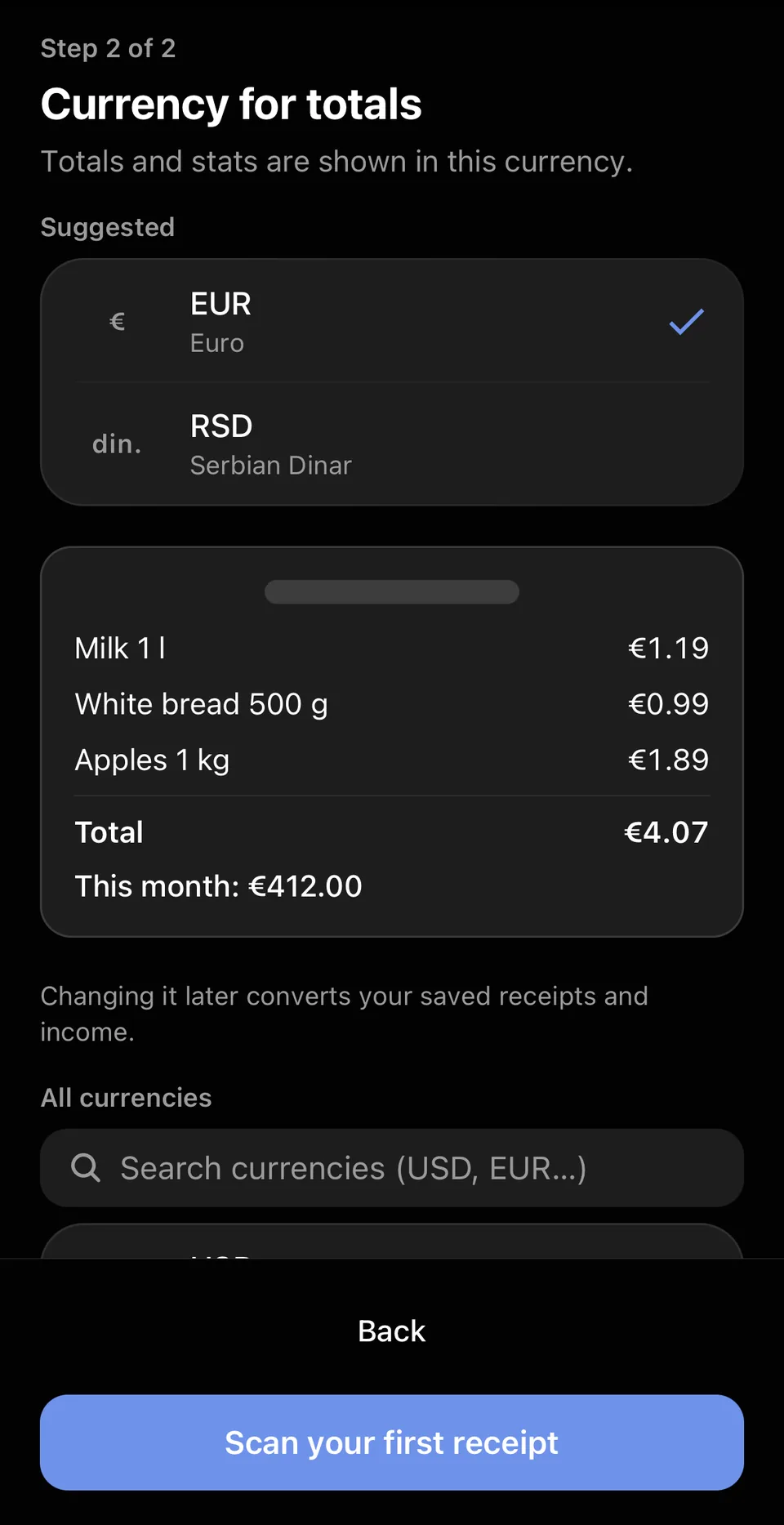
Scan a receipt in pounds, dollars or dinars and still see your spending in your own currency: how currency detection, exchange rates and your totals currency work.
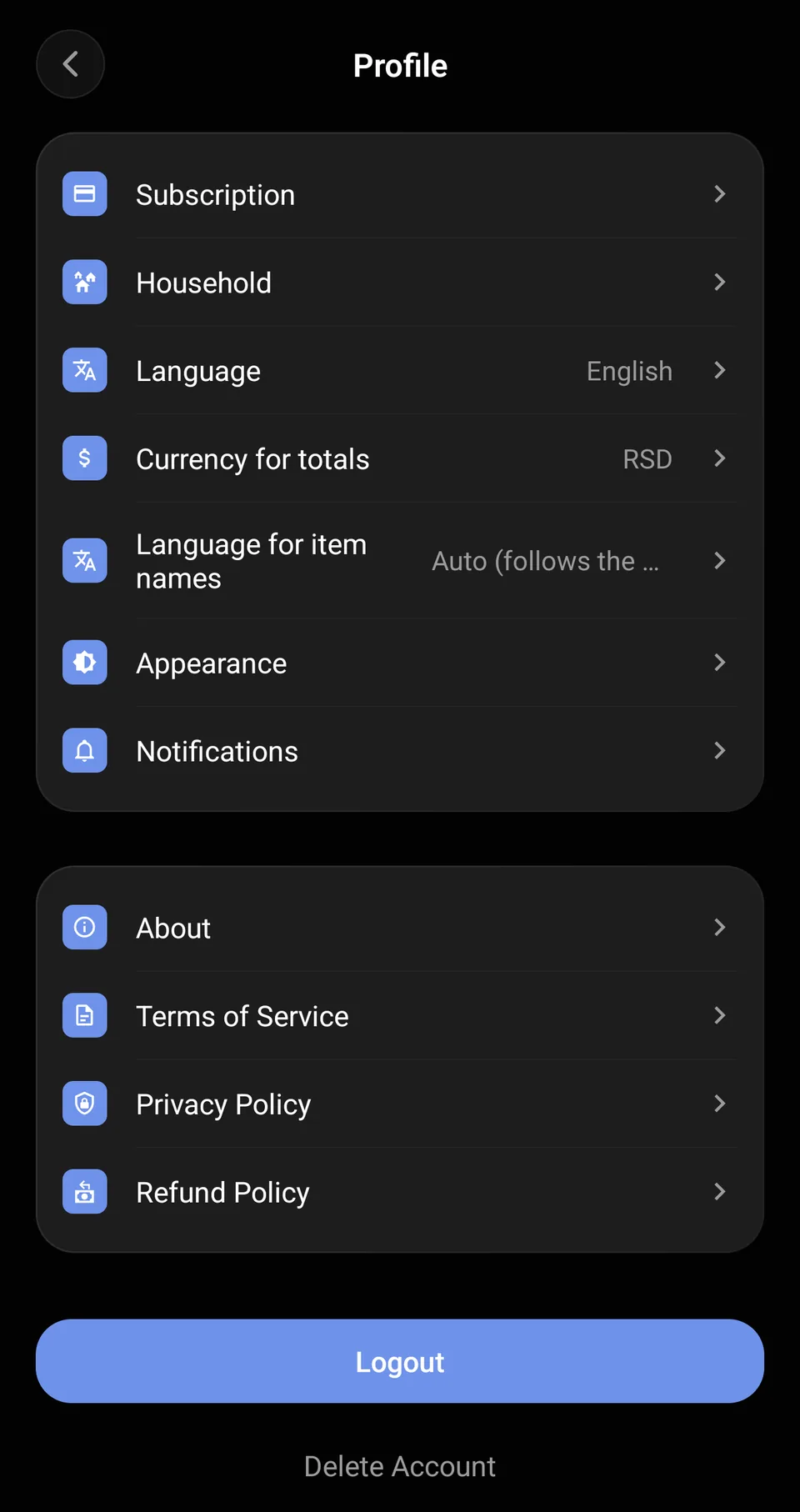
How to create or join a household, what it shares and what stays personal, and how one Pro or Ultra subscription covers up to five people.
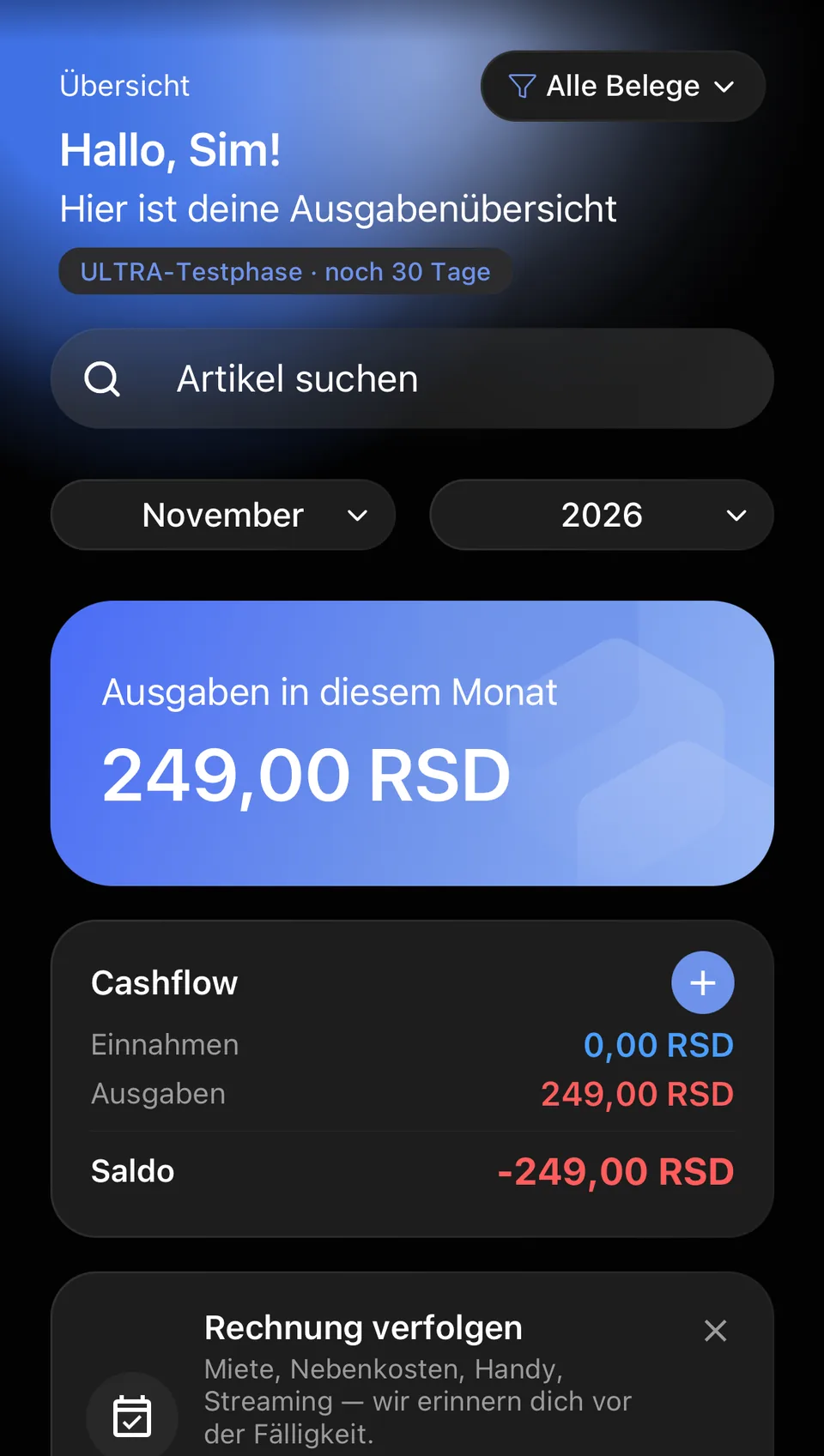
How to change the app language, why item names have a setting of their own, and what happens to receipts printed in a language you don’t read.
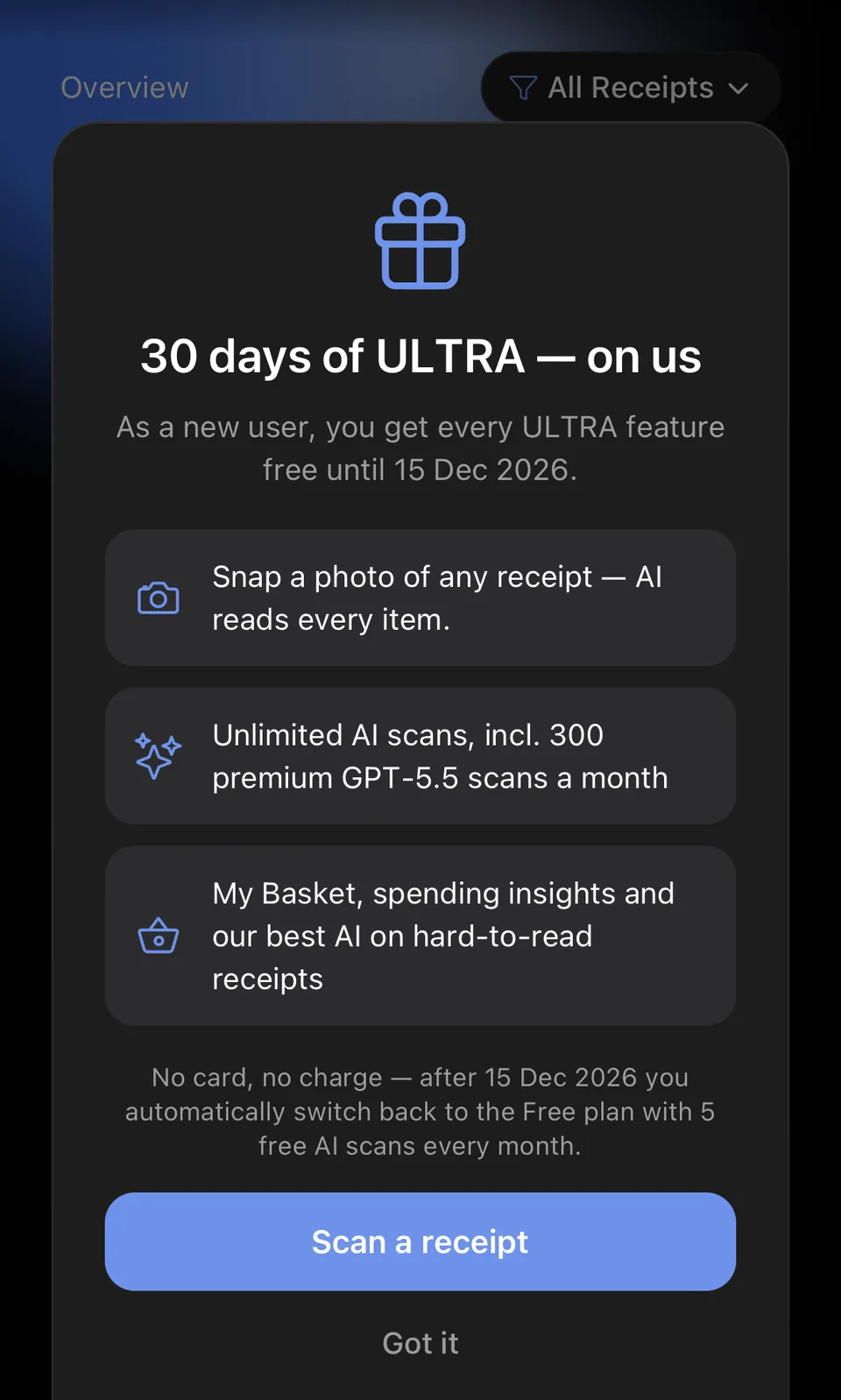
A plain comparison of Free, Pro and Ultra: AI scans, My Basket, the bill extras, the 30-day trial, households and how billing works.
ReceiptStorm is free to download for iPhone and Android.