Find cheaper groceries: compare prices with My Basket
Find cheaper groceries with My Basket (Pro and Ultra): build a list from what you usually buy and see where you recently paid less for the same products.
In this guide
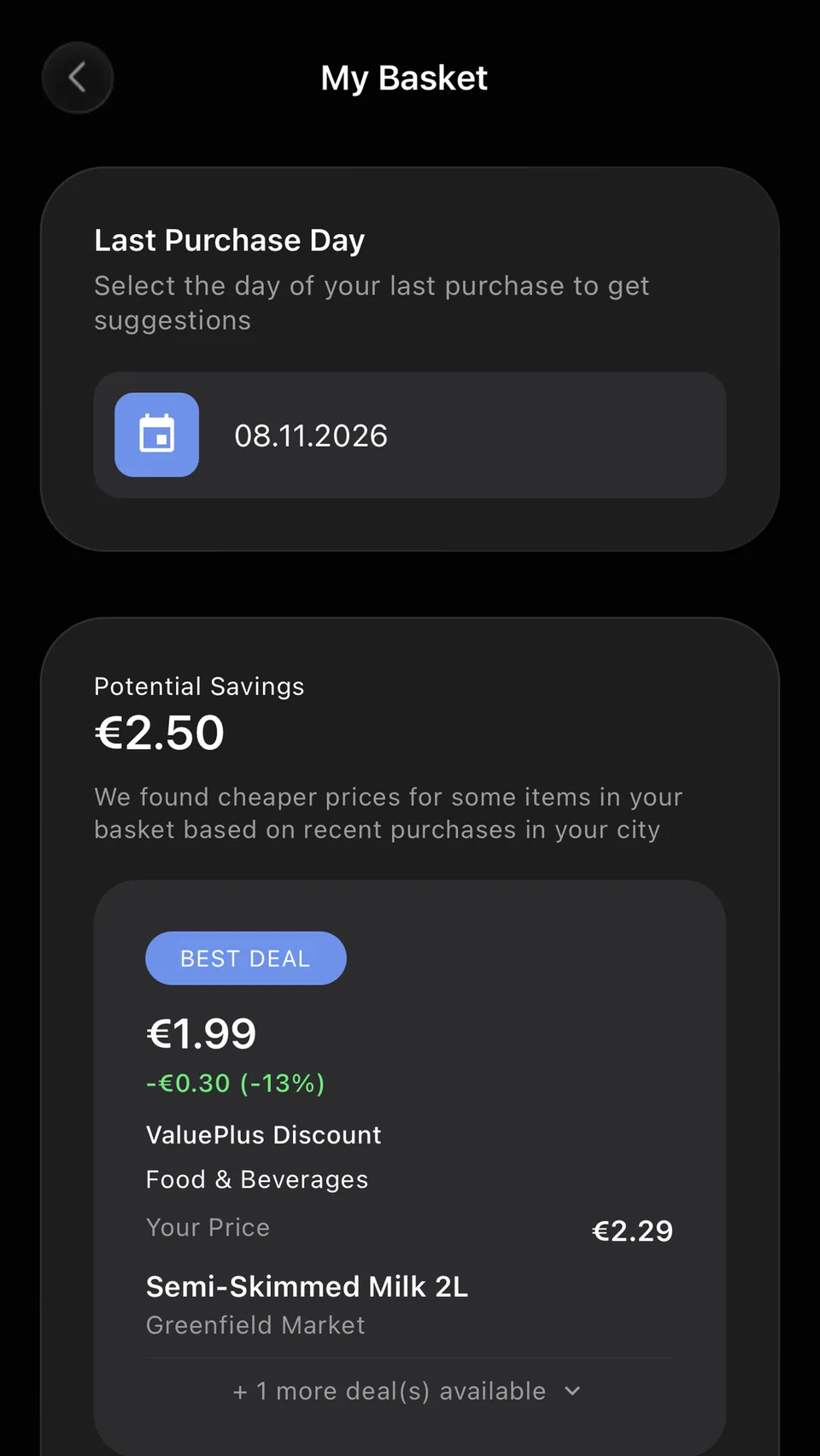
My Basket helps you find cheaper groceries among the stores you already shop at. It suggests what you're likely to need next, and once you save your list it checks your recent receipts for a lower price on the same product: in the screenshot above, milk for €1.99 instead of €2.29. Here's how to build a list, how to compare grocery prices with it and what the savings card really tells you.
Good to know
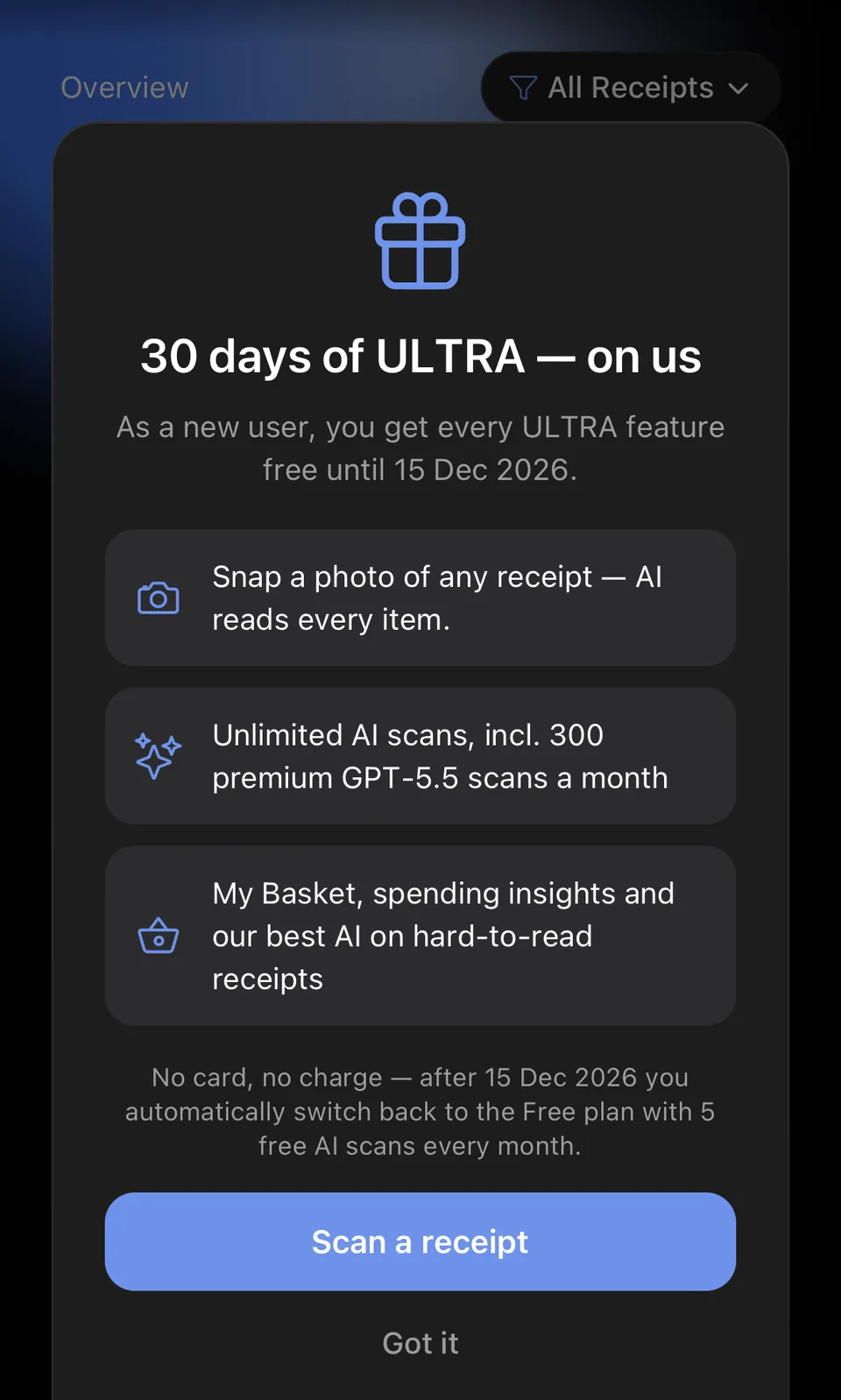
My Basket is part of Pro and Ultra. New accounts get it for 30 days with the free Ultra trial (no card needed), and household members get it when the household owner subscribes to Pro or Ultra (the trial is personal). On the Free plan, the My Bag tab shows My Basket is a premium feature with a See plans button. Compare the plans or read what Free, Pro and Ultra include.
How My Basket finds cheaper groceries
My Basket doesn't search the internet or read store flyers. It compares each item on your saved list that has a price with your own purchases from the last month, plus your household's if you share one:
- only purchases of the same product count, and only when they cost less than the price on your list;
- only stores in the city of your most recent purchase count, taken from that store's address;
- you get up to three cheaper options per item, cheapest first.
Because the comparison runs on your own receipts, it gets better the more stores you save receipts from. If you always shop in one place, it can only point to days when you paid less there. Getting started shows the quickest ways to add receipts.
How to build a shopping list in My Basket
Open My Basket
Tap the My Bag tab at the bottom of the screen. The screen it opens is called My Basket.
Set your last shopping day
Under Last Purchase Day, pick the day of your last shopping trip. Suggestions are worked out from that day.
Add suggested items
Suggested Items lists products you're likely to need, based on your purchase history from the last 6 months. Tap one to add it to My Shopping List; it comes with the price you last paid.
Add anything else
Use + Add Custom Item. The item name and store are required; address, category, price and quantity are optional. Only items with a price can be compared.
Save the basket
Adjust the quantities and tap Save Basket. The price comparison runs on the saved list.
Read your savings
When at least one item was cheaper in a recent purchase, the Potential Savings card appears under Last Purchase Day, with the Best Deal, Your Price and a line such as + 1 more deal available when there are other options.
Take the list with you
From the list's menu, choose Share List or Print List, or Delete List to start over.
How suggested items are chosen
Suggestions follow your own rhythm, not a generic list. My Basket looks at the last 6 months of purchases and works out how often you buy each product. An item is suggested once at least 80% of its usual interval has passed since you last bought it, or once 60 days or more have gone by. The most overdue items come first. For example, milk you buy every 7 days shows up from the 6th day, and coffee you buy every 30 days from the 24th.
Good to know
Not to be confused with Buy Soon on Home. That short list, available on every plan, shows items you buy regularly that are due again. My Basket is the shopping list you build, save and compare. See budget goals and Buy Soon.
How to read the Potential Savings card
Each deal card shows the lower price with the difference in money and as a percentage, the store where you paid it (with its address, when the receipt had one) and the category. Below that, Your Price shows the item on your list with its store and the price from your list.
- Item
- Semi-Skimmed Milk 2L
- Your Price, Greenfield Market
- €2.29
- Best Deal, ValuePlus Discount
- €1.99
- Difference per unit
- −€0.30 (−13%)
- Potential Savings, whole list
- €2.50
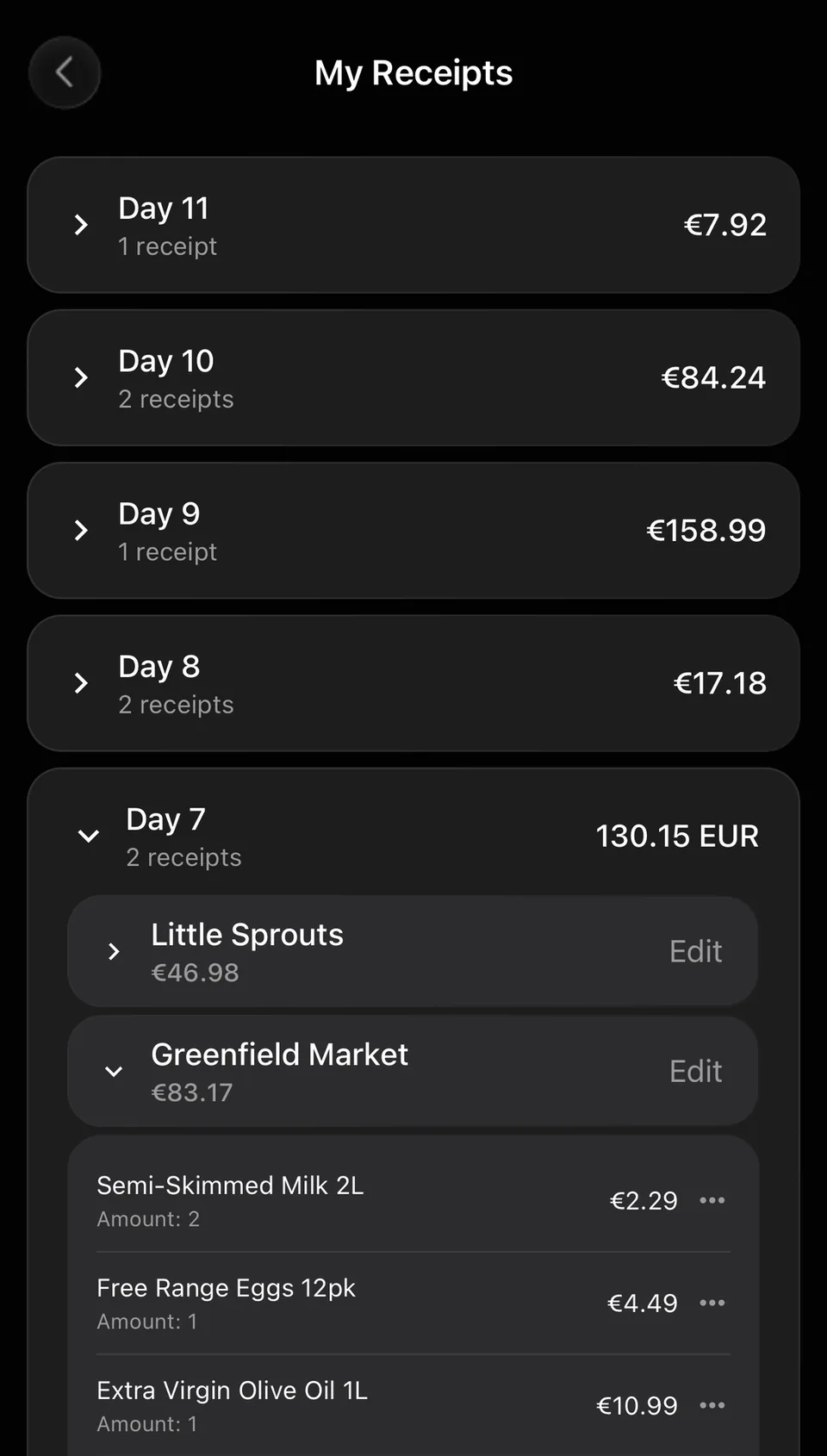
Potential Savings adds up the best deal of every item on the list that has one, so the milk contributes €0.30 of the €2.50. The figures compare a single unit: buy two cartons, as on the receipt below, and the difference doubles to €0.60.
Tip
A best deal is a price you actually paid in the last month, so it's a realistic target, but it may have been a one-time offer. Before you plan a trip around it, open the product's statistics and check whether that store is usually cheaper.
What My Basket compares, and what it doesn't
| Compared | Not compared |
|---|---|
| Your own receipts, and your household's | Prices from other users |
| Purchases from the last month | Older purchases |
| Stores in the city of your latest purchase | Stores in other cities |
| The same product at a lower price | Store websites, flyers and catalogs |
If the store of your latest purchase has no address, the city filter is skipped and all your recent purchases are searched. When no item has a price, or nothing was cheaper, the savings card simply doesn't appear. The list itself is personal: household members each keep their own basket, even though their receipts feed your comparison.
Check a product's longer price history
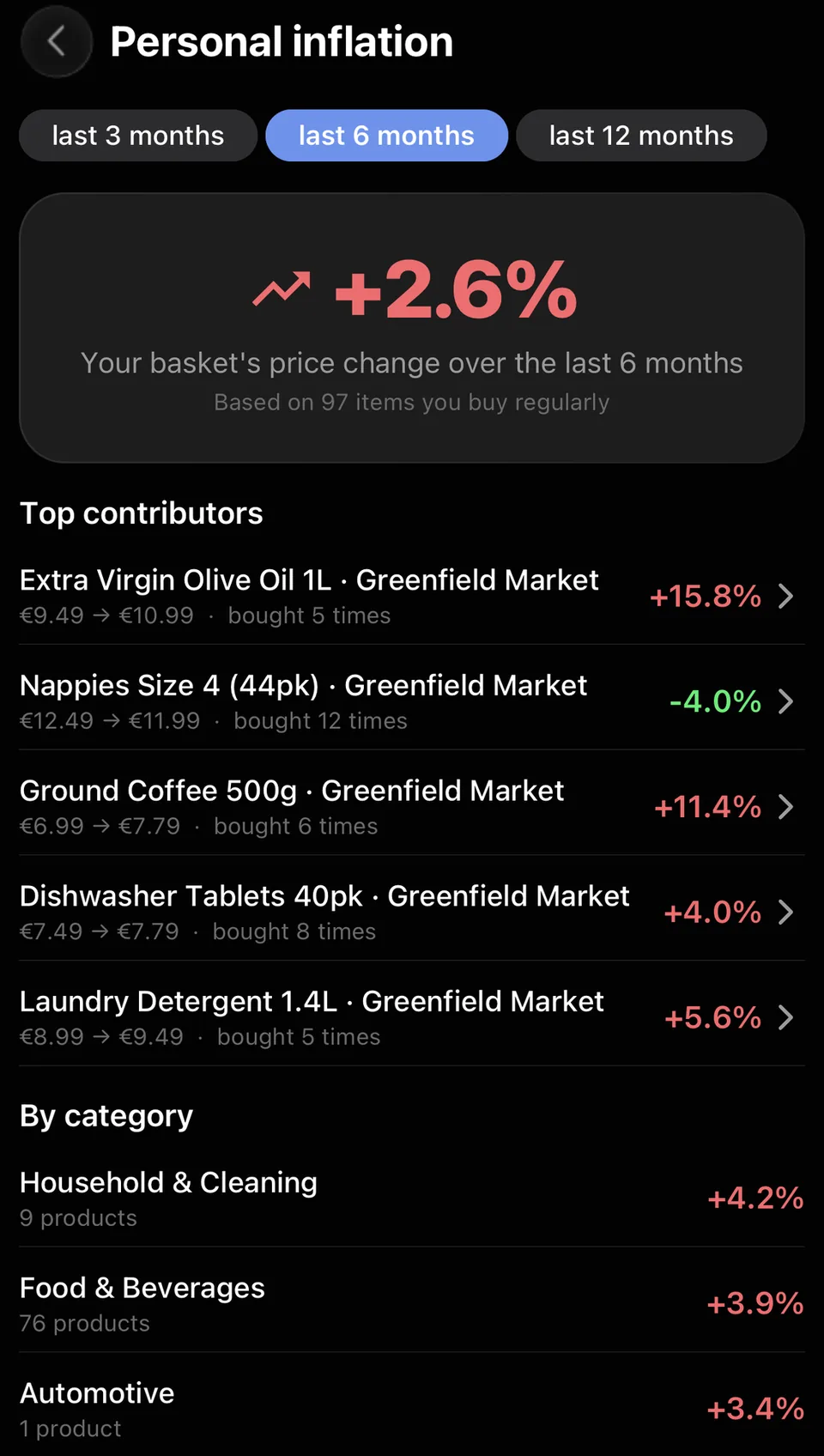
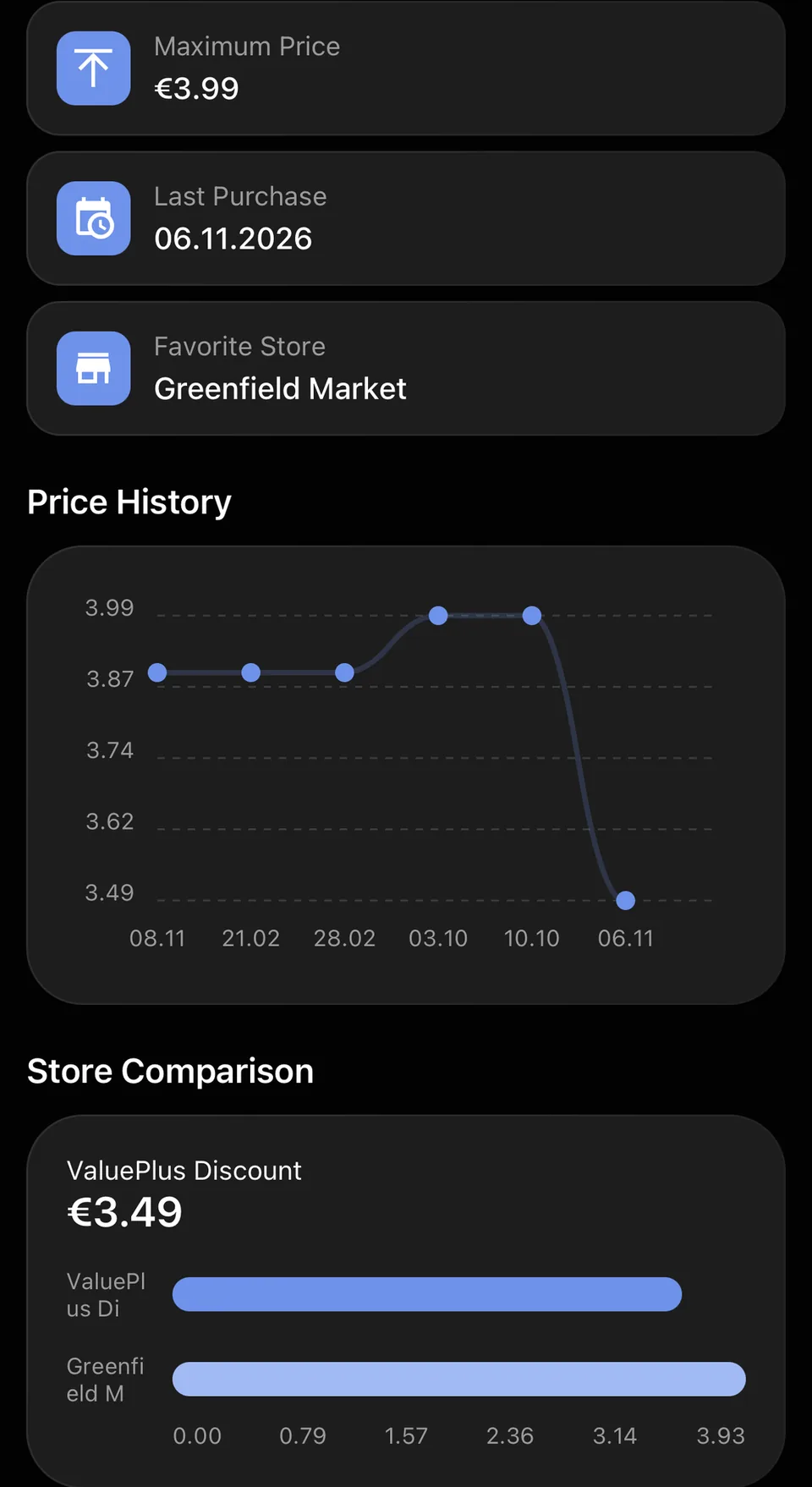
My Basket looks at the last month. For a longer view of one product, open its statistics from Search items on Home: Price History shows your recent purchases and Store Comparison ranks stores by the average price you paid. The guide to price history and store comparison explains every number, and your personal inflation rate shows how the prices of your regular basket changed overall.
See your own spending, item by item
ReceiptStorm is free to download for iPhone and Android.



Frequently asked questions
Is My Basket free?
No, My Basket is part of Pro and Ultra. New accounts can use it during the 30-day Ultra trial; when the trial ends, the screen locks again until you subscribe. Household members get it when the owner subscribes to Pro or Ultra. See the plans.
Where do the cheaper prices in My Basket come from?
Only from your own receipts and your household's, from the last month, in the city of your latest purchase. My Basket never uses other users' prices or store catalogs.
Why don't I see Potential Savings?
The card appears only when at least one priced item on your saved list was cheaper in a recent purchase. Add prices, tap Save Basket, and keep saving receipts from the different stores you visit.
Can my family share one shopping list?
No, each person's basket is their own. If you share a household, though, everyone's receipts count when My Basket looks for lower prices.
Does My Basket check store prices automatically?
No. It doesn't visit store websites or check shelves; it only compares prices you have already paid, as recorded on your receipts.